Website Tracking & Martech Audit
For marketing leads, growth teams & agencies managing conversion tracking, attribution & privacy compliance
Trust every number your marketing runs on.
Lumnio checks your live site the way a real customer uses it - then shows which marketing and analytics tools are actually working, which are quietly failing, and what's tracking people before they ever agree to it.
Observes what a real browser does - validating rendered interactions and network beacons against your tracking setup, with zero code installation.
Single page, read-only - sees your setup, never changes it.
Sees your setup, never changes it · No card required · Results in minutes
Process
Three steps to clean data
No manual configuration. No browser extensions. Point Lumnio at a URL and get a complete audit in minutes.
Start
Point Lumnio at any public URL - that's all a site audit needs, no setup. For the GA4 and GTM audits, connect your Google account in a couple of clicks; it stays read-only, so Lumnio only ever looks, never changes anything.
Scan
Lumnio opens your live site in a real browser and uses it like a customer would - clicking, opening menus, moving through pages - watching exactly which tools respond and what they capture.
Report
Get a boardroom-ready executive summary and an interactive findings dashboard - every issue ranked by business impact, with the evidence behind it - ready to share in one run.
What you learn
Four answers, one audit
The questions your dashboards can't answer - because the gap never shows up as a number.
Is your data actually being captured?
Lumnio tests every click like a real visitor, so you know your conversion and revenue events truly fire - not gaps you'd never spot in a report until the numbers are already wrong.
See every marketing tool you pay for
A full inventory of the analytics, advertising and tracking tools on your site - including ones nobody remembers adding - and which are actually sending data versus just loading and doing nothing.
Stay on the right side of consent
See what each tool records and what starts tracking a visitor before they ever agree - the details that quietly turn into a compliance problem if nobody's watching.
Make your ad spend count
Your GA4 and GTM setup checked end to end, so the ad platforms you bid on optimise against complete, correct data - not a half-configured signal that wastes budget.
Coverage
If it's tracking your visitors, Lumnio sees it
Analytics, advertising, session recording, testing, monitoring and customer-data platforms - plus any unknown third party quietly loading on your pages.
What you can run
Every audit, one engine
Run any one on its own, or all of them - each produces its own standalone, downloadable report. The site audit is where the tracking and martech findings above come from.
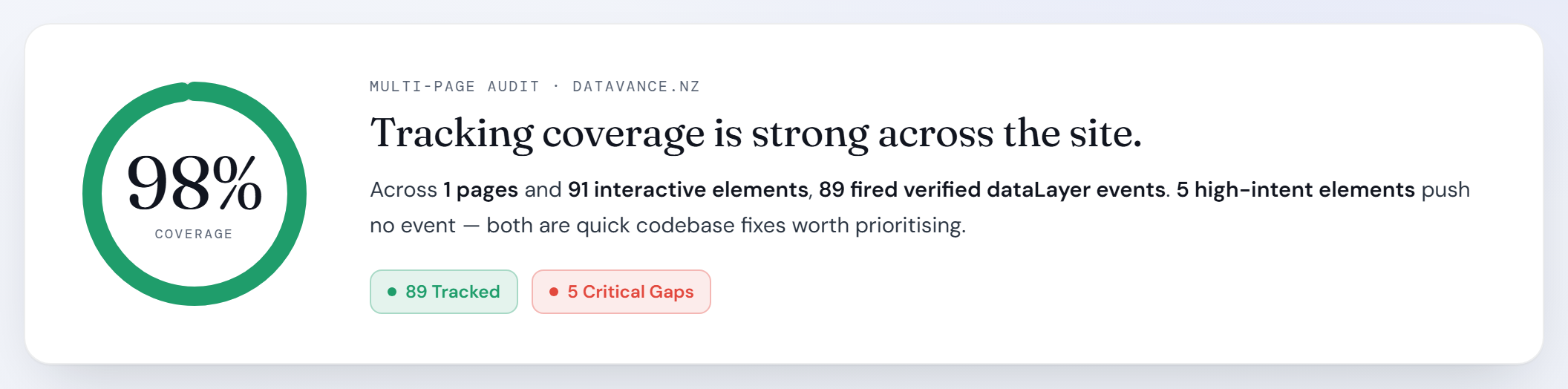
Site Audit
A real browser works through your live pages like a customer - proving which interactions actually fire tracking, listing every marketing tool on the page, and flagging what runs before consent, with the evidence kept behind every finding.
Site audit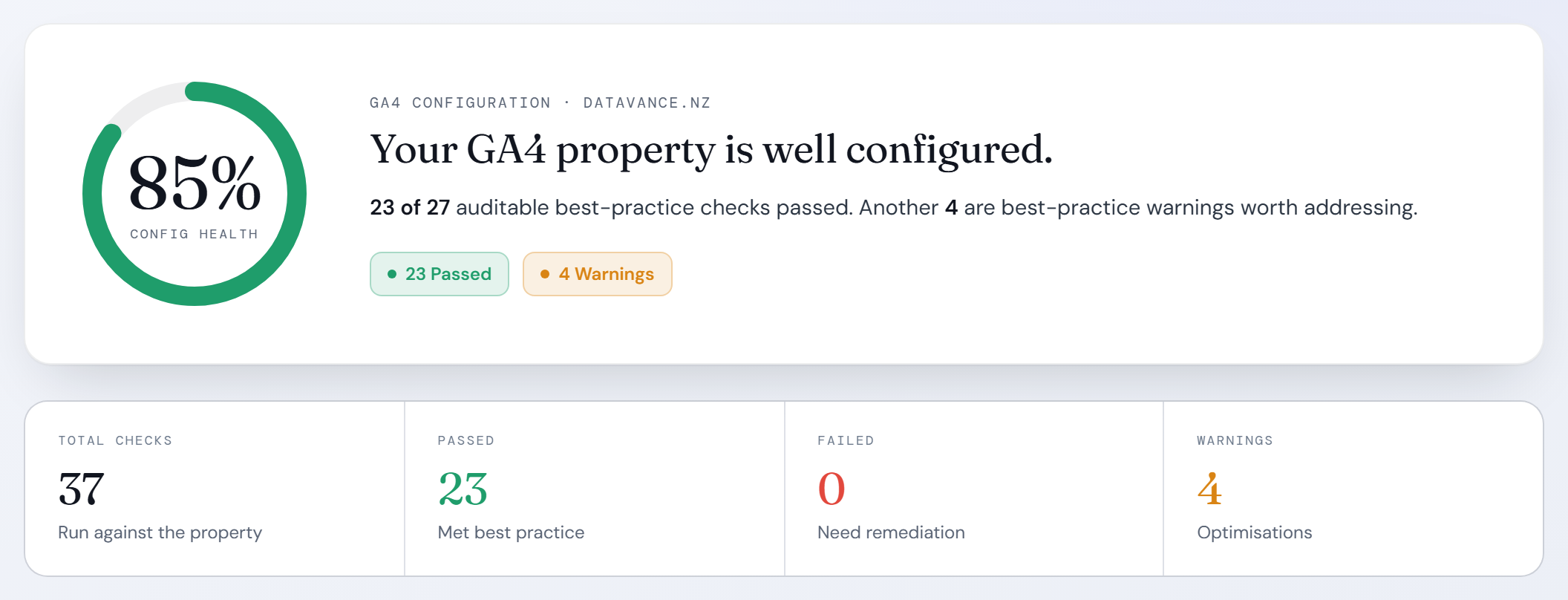
GA4 configuration
Audits property settings, key events, data retention, attribution and the revenue loop - conversion value, Google Ads import and reporting identity - against best practice.
GA4 audit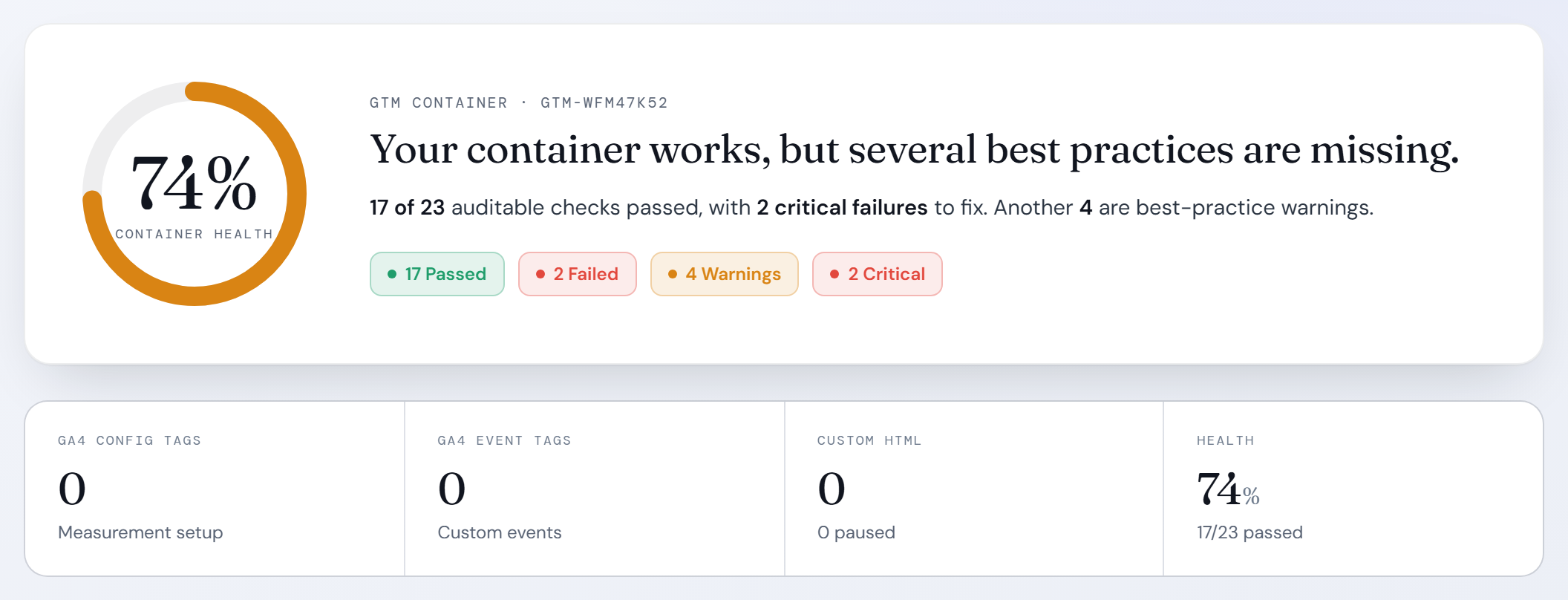
GTM container
Reconciles tags, triggers and variables - Conversion Linker, Enhanced Conversions, consent mode and marketing pixels - so your ad spend optimises on complete data.
GTM auditAdobe Analytics & Launch
Per-element attribution report
Adobe Analytics & Launch
Read straight from the live page, not Adobe's admin API: which Direct Call Rules actually bind to each interaction, which calls reach Launch but send no beacon, and which clicks Adobe can't attribute at all - plus the AppMeasurement values (tracking server, currency, cookie domains) and consent state the page itself is running with.
Adobe attribution auditDeliverables
Two reports, every stakeholder covered
Every audit produces both - a brief the board can read and the detail your team can act on.
Executive Summary
A plain-English brief for decision-makers: what's working, what's at risk, and what it means for the business - each finding ranked by impact, no jargon required.
- Impact-ranked findings
- Plain-English verdicts
- Visual evidence screenshots
Findings Dashboard
The full interactive detail for the people who fix it - every tool, every tracked interaction and the exact evidence behind each finding, filterable by severity and page.
- Filter by severity & page
- Tool-by-tool breakdown
- Captured evidence for every event
Pricing
Simple, transparent pricing
Five free scans, no card required. For ongoing access, talk to us.
Free Trial
Try Lumnio
Five complete audits - no commitment, no card.
- Full single-page website audit
- Complete GTM container analysis
- Executive report & dashboard
- Full marketing & tracking tool inventory
Enterprise & Teams
Custom Access
Ongoing monitoring, site-wide crawls, team seats, and dedicated support.
- Unlimited site audits
- Publicly reachable staging URLs
- Team seats & shared history
- Priority support & SLA
Payments secured by Stripe · Read-only access only · Cancel any time
Common questions
Quick answers
analytics.readonly,
tagmanager.readonly). We cannot and do not write, modify, or publish anything to your GTM
container or GA4 configuration. Your production setup remains completely untouched.
Your first audit is free.
No credit card. No setup. Just a URL and a few minutes.